CRM Integrations in 2026: QuickBooks, Slack, and the Ones That Actually Matter

In our 2026 CRM reviews, we consistently find that integration quality — not feature count — is the single strongest predictor of long-term satisfaction. A CRM that talks cleanly to QuickBooks, Slack, Google Workspace, and Zoom will out-earn a feature-rich CRM that requires custom middleware for basic workflows.
The integrations that actually matter for US SMBs
- Google Workspace or Microsoft 365 — email, calendar, contacts.
- QuickBooks Online or Xero — invoices and payment status on the deal record.
- Slack or Microsoft Teams — pipeline notifications and deal handoffs.
- Zoom or Google Meet — call scheduling and, ideally, transcription capture.
- Stripe — subscription and payment events flowing back to the customer record.
How to evaluate an integration properly
'It integrates' is not a specification. Ask the vendor to demonstrate the exact two-way flow you need with real data, then ask what happens when the integration fails. Silent failures — a QuickBooks invoice that never syncs, a Slack notification that never fires — do more damage than no integration at all.
| Integration | Native support (typical 2026) | Common gotcha |
|---|---|---|
| QuickBooks Online | HubSpot, Salesforce, Zoho, Pipedrive | Class and tag mapping |
| Slack | All major CRMs | Duplicate notifications |
| Google Workspace | All major CRMs | OAuth token expiry |
| Zoom | All major CRMs | Transcript privacy defaults |
| Stripe | HubSpot, Salesforce; others via middleware | Subscription state changes |
When to use Zapier or Make instead
Native integrations should cover 80% of your needs. Zapier and Make are excellent for the remaining 20% — long-tail SaaS tools, internal spreadsheets, or ad hoc automations. They are not a good substitute for a native integration on a mission-critical system like accounting or payments.
The CRM you choose matters less than the seams between it and the three or four tools your business actually runs on.
FAQ
Is QuickBooks integration really that important?
For US SMBs, yes. Being able to see paid vs outstanding invoices on a customer's CRM record eliminates hours of monthly reconciliation work and dramatically improves collections.
Should we build custom integrations?
Rarely, and only after native and Zapier options are exhausted. Custom integrations become maintenance debt that outlives the person who built them.
How do we know if an integration is healthy?
Check the CRM vendor's status page for the integration, monitor sync error logs monthly, and — for critical flows — set up a canary record that you verify syncs every week.
Editorial verdict
Evaluate CRMs on integrations the same way you evaluate them on features. The best CRM in 2026 is the one that fits into your existing stack with the least friction — and the vendor most transparent about what happens when integrations fail.
Related articles

The 7 Best CRM Software Platforms for Small Business in 2026
 By CRMWorldGuide Editorial • July 8, 2026
We tested the seven most popular CRMs for US small businesses and ranked them by price, features, and real ease of use.
Read More →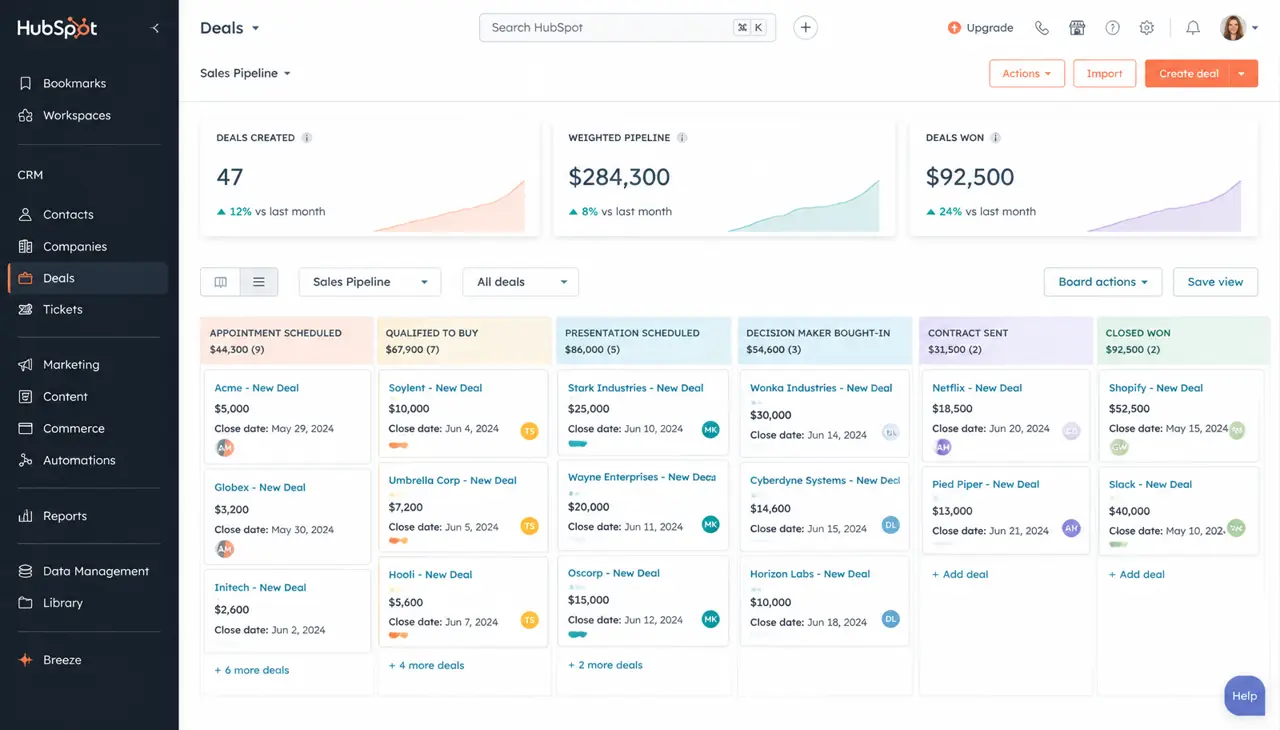
HubSpot Review 2026: Is It Still Worth the Price?
By CRMWorldGuide Editorial • July 8, 2026HubSpot's pricing keeps climbing. After running it live for a year across three client accounts, here's whether it still delivers.
Read More →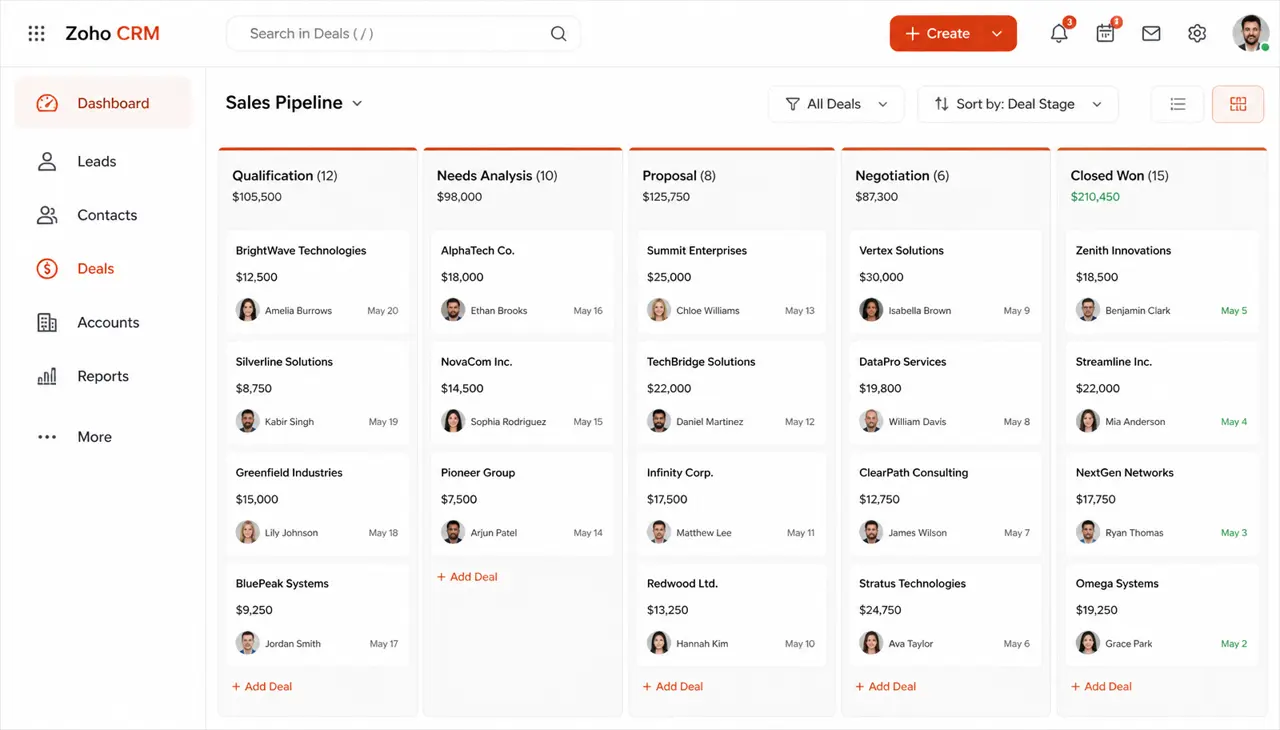
Zoho CRM Review 2026: Pricing, Features, and Real-World Verdict
By CRMWorldGuide Editorial • July 8, 2026Zoho CRM stays one of the best value CRMs on the market in 2026. Here is what works, what doesn't, and who should buy it.
Read More →