CRM Onboarding Checklist: A 30-Day Rollout Plan for US Teams in 2026

A CRM only creates value when your team actually uses it. In our work with US small and mid-market businesses, we consistently see that the average rollout in 2026 stalls somewhere between weeks two and four — the software is installed, a few power users are excited, and the rest of the team quietly falls back to spreadsheets and email threads. The checklist below is the exact 30-day framework we recommend to sales leaders, RevOps managers, and founders who want their CRM investment to pay back within a single quarter.
The plan assumes you have already selected a platform, purchased the appropriate seat licenses, and identified a project owner. It does not depend on any specific vendor — the same milestones apply whether you are moving to HubSpot, Salesforce, Pipedrive, or Zoho.
Week 1: Foundations and clean data
The first week is not about software. It is about deciding what your pipeline actually looks like, which fields matter, and what a 'qualified lead' means to your team. Skip this step and you will spend the next three months arguing about reports that never quite match.
- Document your current sales stages and exit criteria for each stage.
- Agree on 8-12 required contact and company fields — no more.
- Export your existing contacts, dedupe them, and standardize country, state, and phone formats.
- Nominate one internal 'CRM champion' with authority to make configuration decisions.
- Confirm SSO, Google/Microsoft calendar, and email sync are enabled before any user logs in.
Week 2: Configuration and migration
With clean data and a documented process, configuration becomes mechanical. Build your pipeline, add your custom fields, and connect the two or three integrations your team uses daily — usually email, calendar, and either QuickBooks or Stripe. Resist the temptation to configure everything at once. A minimal CRM your team uses is worth ten times a feature-complete CRM they ignore.
Week 3: Training and shadow adoption
Run two 45-minute live training sessions — one for sales, one for anyone who touches customer data. Record both. Then run a 'shadow week' where reps log activity in the CRM alongside their existing tools. This surfaces friction points without forcing a hard cutover before you have solved them.
| Day | Milestone | Owner |
|---|---|---|
| 1-3 | Data cleanup and pipeline design | CRM champion |
| 4-7 | Field mapping and SSO setup | IT + CRM champion |
| 8-14 | Migration and integration testing | CRM champion |
| 15-21 | Live training and shadow adoption | Sales manager |
| 22-30 | Hard cutover and first weekly review | Executive sponsor |
Week 4: Cutover and the first executive review
On day 22, retire the old system. On day 30, run a 30-minute review with your executive sponsor covering three numbers: percentage of active users, number of deals with a next step recorded, and pipeline coverage against quota. These three metrics predict CRM ROI better than any vendor dashboard.
The CRM that wins is not the one with the most features — it is the one your team opens on Monday morning without thinking.
Common mistakes to avoid
- Migrating every historical contact instead of the last 24 months of active accounts.
- Creating more than a dozen required fields on day one.
- Skipping the executive sponsor — adoption drops sharply without leadership pressure.
- Buying advanced automation before basic activity logging is habitual.
- Postponing training until 'the data is perfect' — it never will be.
FAQ
How long should a CRM rollout really take?
For a team of 5 to 50 people in the US, 30 days is realistic if you have clean data and executive support. Larger enterprises with regulated data (HIPAA, financial services) should plan 60 to 90 days.
Should we hire an implementation partner?
For HubSpot, Pipedrive, and Zoho, most US SMBs do not need one. For Salesforce or Microsoft Dynamics at 25+ seats, a certified partner usually pays for itself within six months.
What is a healthy adoption rate after 30 days?
We consider 80% of licensed users logging in at least four days a week, and 90% of new deals created directly in the CRM, to be a successful rollout.
Editorial verdict
A CRM is a habit as much as a piece of software. Treat the first 30 days as a change-management project, not an IT installation, and you will exit the first quarter with a system your team genuinely relies on. Skip the change-management work and you will be reading another CRM comparison article next year.
Related articles

The 7 Best CRM Software Platforms for Small Business in 2026
 By CRMWorldGuide Editorial • July 8, 2026
We tested the seven most popular CRMs for US small businesses and ranked them by price, features, and real ease of use.
Read More →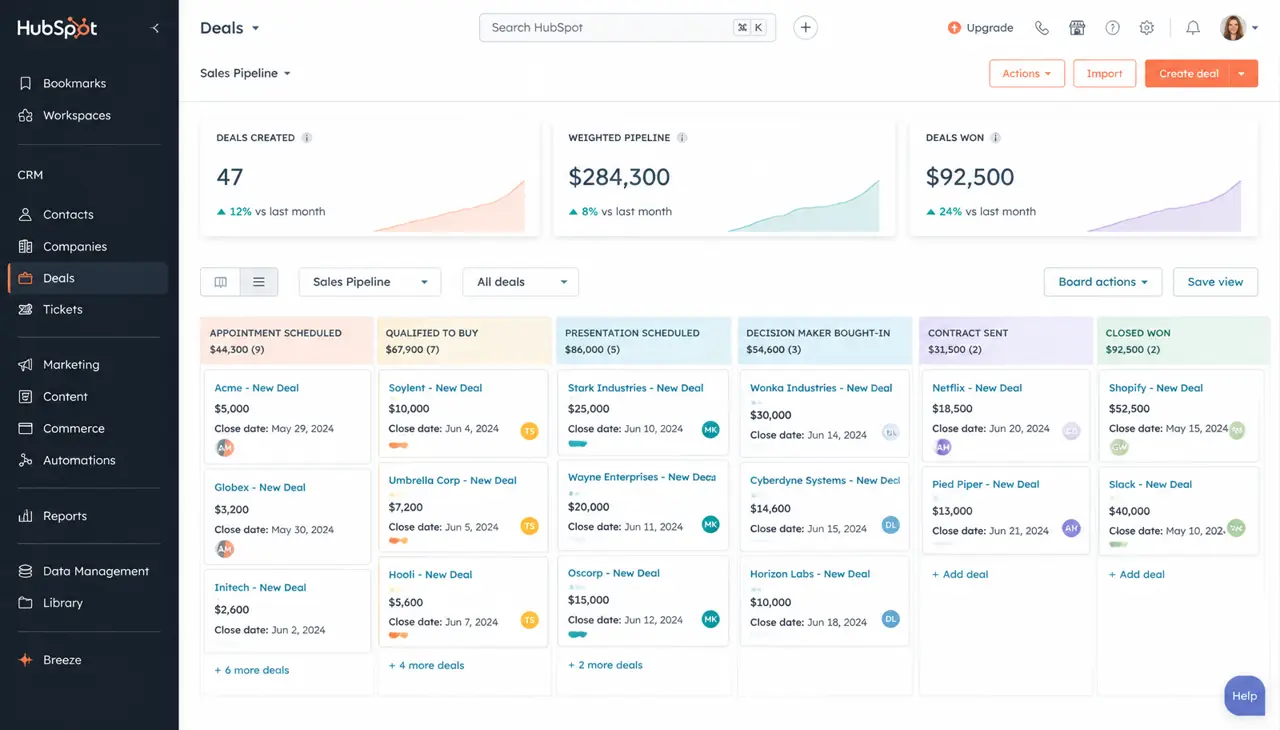
HubSpot Review 2026: Is It Still Worth the Price?
By CRMWorldGuide Editorial • July 8, 2026HubSpot's pricing keeps climbing. After running it live for a year across three client accounts, here's whether it still delivers.
Read More →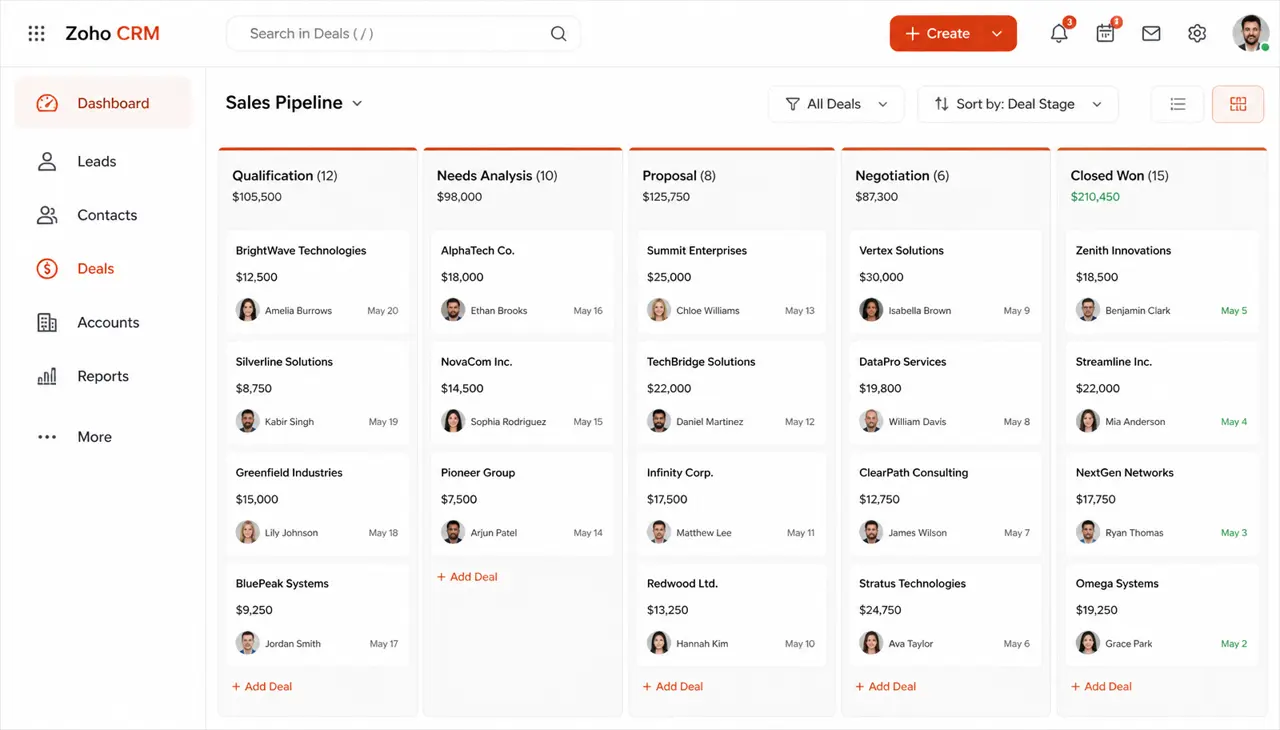
Zoho CRM Review 2026: Pricing, Features, and Real-World Verdict
By CRMWorldGuide Editorial • July 8, 2026Zoho CRM stays one of the best value CRMs on the market in 2026. Here is what works, what doesn't, and who should buy it.
Read More →