Salesforce Starter Suite Review 2026: A Real Small Business CRM?
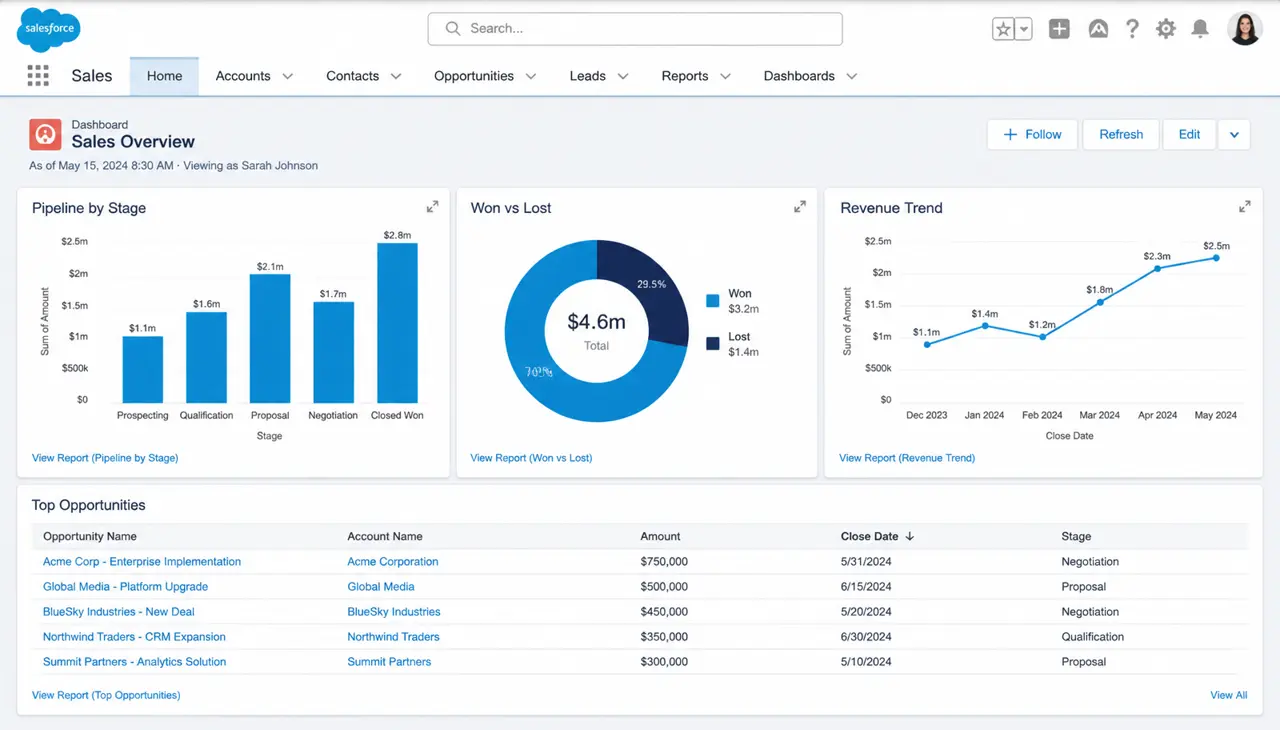
For years, Salesforce carried a reputation as the 'Death Star' of enterprise software—powerful, expensive, and devastatingly complex for anyone without a dedicated admin. However, the 2026 iteration of Salesforce Starter Suite represents a calculated shift toward the American small business owner who needs more than a Spreadsheet but lacks the six-figure budget of a Fortune 500 firm. This unified offering combines sales, service, and marketing tools into a single interface designed specifically for rapid deployment. While previous 'entry-level' Salesforce products felt like gutted versions of the Enterprise edition, Starter Suite is built on the Data Cloud backbone, offering a surprisingly sophisticated entry point for growing startups and mid-market teams looking to professionalize their operations without the traditional implementation overhead. In this review, we break down whether this simplified suite holds its own against nimble competitors like HubSpot and Pipedrive in a 2026 context.
Salesforce Starter Suite Pricing and Plans
The pricing model for the Starter Suite is uncharacteristically straightforward for Salesforce. In an era where 'contact-based pricing' often punishes companies for growing their database, Salesforce has opted for a flat per-user fee that scales with the size of your team rather than the volume of your leads. This makes it an attractive proposition for B2B companies with high-volume prospecting needs. However, users should be aware of the 'Starter Pro' tier, which adds advanced automation and AI-driven forecasting that many growing businesses will eventually find necessary. In 2026, the suite remains a monthly or annual commitment, with significant discounts for those willing to pay upfront for the year. It is important to note that while the core features are included, some advanced Einstein AI features may require additional credits if your usage exceeds the standard monthly allowance provided in the base subscription.
| Plan Tier | Monthly Cost (Per User) | Key Inclusion |
|---|---|---|
| Starter Suite | $25.00 | Basic Lead Management, Email Integration, Case Management |
| Starter Pro | $65.00 | Advanced Workflows, Einstein Forecasting, Custom Objects |
| Pro Suite Plus | $110.00 | Sandbox Access, Full API Support, Omnichannel Routing |
Where Starter Suite Shines: The Strengths
The most significant advantage of the Starter Suite in 2026 is its 'Growth Path.' Unlike using a vertical-specific CRM that you will inevitably outgrow in three years, moving from Starter to Professional or Enterprise editions is a backend toggle rather than a traumatic data migration. The user interface has been drastically cleaned up, removing the 'clutter' of the classic Lightning UI in favor of a guided, task-based experience. We particularly liked the 'Simplified Setup,' which uses an AI wizard to pull in your existing data from Google Workspace or Microsoft 365. Furthermore, the inclusion of basic marketing automation—email templates and campaign tracking—within the same UI as sales opportunities eliminates the common friction between these two departments. It provides a 'single source of truth' that most small businesses struggle to maintain when jumping between disconnected SaaS tools.
- Seamless Data Cloud integration for unified customer profiles across sales and service.
- Built-in Einstein AI productivity tools for email drafting and meeting summaries included at the base price.
- Mobile app performance is best-in-class, allowing field reps to update records with low latency.
- Native integration with Slack, facilitating real-time lead notifications and internal collaboration.
- Pre-configured dashboards that provide immediate visibility into pipeline health without needing a data scientist.
The Trade-offs: Critical Weaknesses
While the Starter Suite is a formidable tool, it is not without its frustrations. The most glaring issue for power users is the lack of customization. Salesforce has locked down many of the 'Custom Objects' and complex validation rules that make the platform so famous. If your business has a highly non-standard sales process—for example, if you manage complex construction projects with twenty different milestone types—the Starter Suite may feel like a straightjacket. Additionally, the 'out of the box' reporting is excellent, but building highly specific, multi-joint reports remains a steep learning curve for the average office manager. You are also limited in terms of third-party AppExchange installations; Salesforce wants you to stay within their ecosystem for this tier, which can be annoying if you rely on a niche industry tool that requires deep API hooks not present in the Starter edition.
- Very limited support for Custom Objects, restricting the ability to track unique business data.
- API access is restricted, making it difficult to connect to custom-built internal legacy systems.
- Support response times on the base tier can be slow, often relying on community forums rather than live chat.
- The simplified interface, while cleaner, still carries the 'heaviness' of the Salesforce architecture, leading to slower load times on aging hardware.
- Aggressive 'upsell' notifications within the app can disrupt the user experience.
The Ecosystem and Integrations
Even at the entry level, Salesforce's greatest asset is its ecosystem. In 2026, the Starter Suite comes with native 'App-less' integrations for the most common productivity tools. For U.S. businesses, the tight integration with LinkedIn Sales Navigator and Zoom Info is a massive plus for prospecting. The Outlook and Gmail sidebars are more robust than ever, allowing reps to log emails, create contacts, and update opportunity stages without leaving their inbox. However, it’s worth noting that while the suite can connect to thousands of apps via Zapier or Make, the native 'Plug and Play' library for Starter is curated. You’ll find easy connections for Quickbooks Online, DocuSign, and Mailchimp, but if you need to connect to a specialized ERP system, you'll likely find yourself needing to upgrade to the Pro Suite to unlock the necessary API permissions.
The Starter Suite finally solves the 'blank page' problem that plagued Salesforce for years. It's no longer a platform you have to build; it's a tool you can actually use on day one.
Real-World Use Cases: Who It's For
This suite is ideally suited for a 5-to-20 person professional services firm or a B2B startup preparing for a Series A round. For a professional services firm—like a boutique accounting office or a legal consultancy—the combination of lead tracking and 'Service Cloud Light' allows for a seamless handoff from the sales team to the fulfillment team. We also see this as a perfect fit for 'Solo-preneurs' who expect to hire five people in the next eighteen months. You don't want to waste time migrating from a free CRM later. However, for a retail storefront or a high-volume e-commerce brand with thousands of low-value transactions, the Starter Suite is likely overkill and lacks the specific inventory management hooks that platforms like Shopify's native tools provide. It is firmly a 'Relationship Management' tool rather than a transactional processing engine.
Competitor Comparison: Salesforce vs. The Field
| Feature | SF Starter Suite | HubSpot Starter | Pipedrive |
|---|---|---|---|
| AI Capabilities | Advanced (Einstein) | Standard (Breeze) | Basic |
| Ease of Use | Moderate | High | Very High |
| Scalability | Infinite | High (but expensive) | Moderate |
| Marketing Tools | Included | Tiered Add-on | Separate Product |
Frequently Asked Questions
Can I use the AppExchange with Salesforce Starter Suite?
Yes, but with limitations. You can install most 'Lightning-ready' apps from the AppExchange, but apps that require complex custom objects or extensive API calls may not function correctly. It is always best to check the app's requirements against the Starter Suite's feature set before purchasing a third-party license.
Is the Data Cloud included in the $25 price point?
Salesforce has integrated the Data Cloud backbone into the Starter Suite to power unified profiles, but there are strict limits on data ingestion and storage volumes. For most small businesses, the included credits are sufficient, but high-volume organizations may see additional costs for massive data processing.
How long does it take to implement?
Unlike the months-long implementations of the past, the Starter Suite is designed for a 'Go-Live' time of under two days. By using the built-in guided setup and standard templates, most businesses can have their data imported and their first sales pipeline active in a single afternoon.
Is there a limit on the number of users?
Salesforce typically positions the Starter Suite for businesses with fewer than 50 users. While there isn't a hard technical 'cap' in the same way there used to be, once you hit the 25-30 user mark, the lack of advanced administrative controls usually makes an upgrade to the Professional or Enterprise edition necessary.
Does it include customer support?
The base subscription includes 'Standard Success' support, which offers access to the Trailblazer community and online documentation. If you require 24/7 phone support or a dedicated success manager, you will need to purchase a 'Premier Success' plan, which typically adds 20-30% to your total contract value.
The Final Verdict
In 2026, the Salesforce Starter Suite is no longer the 'crippled' entry-level product it once was. It is a robust, AI-powered command center that offers incredible value at the $25-per-month price point. While its lack of deep customization will frustrate some power users, its ease of use and the clarity of its interface make it a top-tier choice for U.S. small businesses. If you want a tool that grows with you and integrates with the entire world of business software, Salesforce remains the gold standard. However, we recommend a trial run specifically to test your most common workflows; if you find yourself hitting the 'Custom Object' wall early on, you may need to budget for the Pro Suite from the start. Ultimately, for the business owner looking for a 'set it and forget it' solution that nonetheless carries the pedigree of the world's leading CRM, the Starter Suite is an easy recommendation.
Reader reviews
What US professionals said after reading this article.
Kai C.
Owner, 5-person Residential Plumbing Group · Fort Worth, TX
Switching from spreadsheets was overdue for my field team. Your breakdown of the simplified UI versus the classic Sales Cloud helped me realize we do not need the complex enterprise version yet. At twenty-five dollars per user, it fits our overhead budget while giving us a professional way to track residential leads and service history.
Nadia G.
Marketing Director, Regional Staffing Agency · Raleigh, NC
My team previously struggled with syncing third-party mailing lists into our CRM databases. Finding out the Starter Suite includes built-in email marketing tools changes our procurement strategy for next quarter. We currently have eight recruiters who need a unified view of candidate communications without jumping between different tabs or paying for expensive integrations.
Craig N.
Founder, Boutique Architectural Firm · Boulder, CO
Selecting a platform that scales with us has been a primary concern for our partners. Most lightweight CRMs reach a ceiling quickly, but the upgrade path mentioned here offers some peace of mind for our long-term growth. We are moving our three associates over this month to consolidate project tracking and client contact management into a single source.
Linda K.
Head of Operations, 15-employee E-commerce Brand · Austin, TX
Most reviews skip the actual usability for small teams, so I appreciated the focus on whether this is a real small business tool. We recently moved away from a free CRM that became too cluttered. This simplified interface seems much more intuitive for my fulfillment and sales staff who cannot spend hours in weekly software training sessions.
Chloe T.
General Manager, Sustainable Logistics Startup · Buffalo, NY
Budget constraints are tight for our series A funding round, making the $25 per user price point particularly attractive right now. We need the reliability of a major provider without the steep learning curve often associated with high-end tech stacks. Your analysis confirms that we can get the core functionality required for our current twelve-person operations team.
Related articles

The 7 Best CRM Software Platforms for Small Business in 2026
 By CRMWorldGuide Editorial • July 8, 2026
We tested the seven most popular CRMs for US small businesses and ranked them by price, features, and real ease of use.
Read More →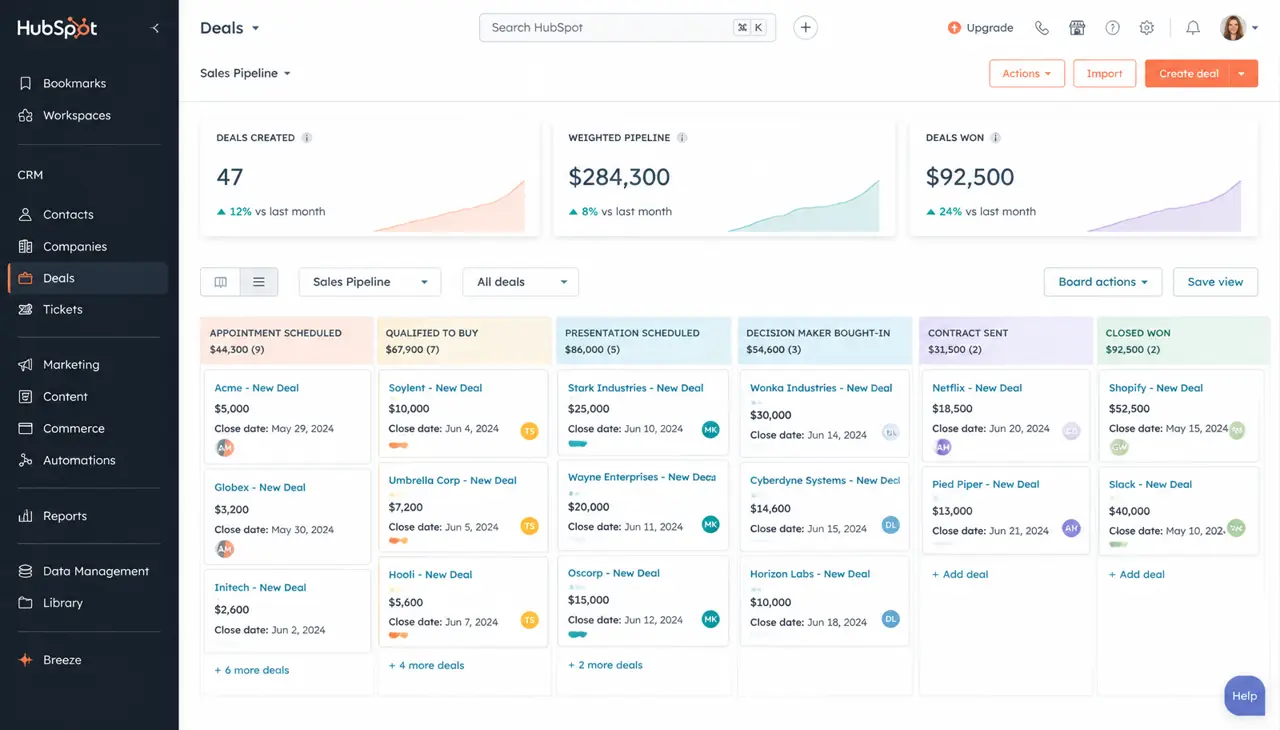
HubSpot Review 2026: Is It Still Worth the Price?
By CRMWorldGuide Editorial • July 8, 2026HubSpot's pricing keeps climbing. After running it live for a year across three client accounts, here's whether it still delivers.
Read More →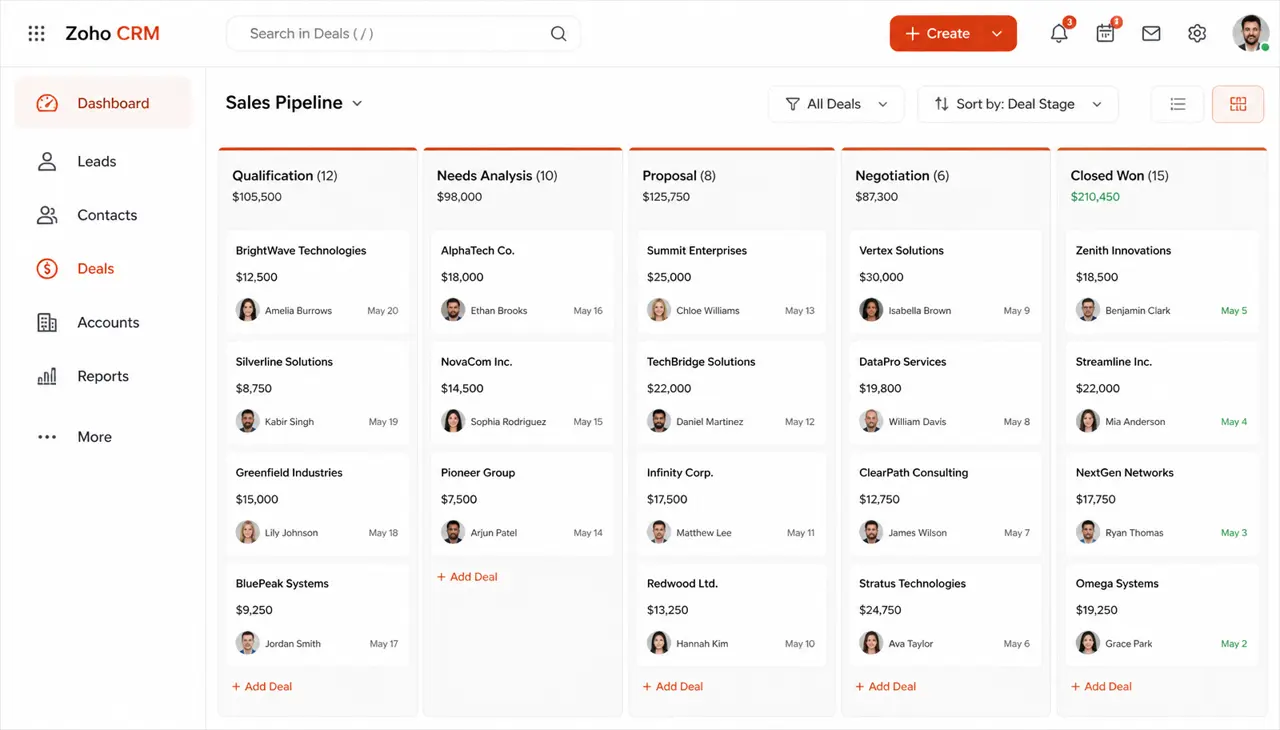
Zoho CRM Review 2026: Pricing, Features, and Real-World Verdict
By CRMWorldGuide Editorial • July 8, 2026Zoho CRM stays one of the best value CRMs on the market in 2026. Here is what works, what doesn't, and who should buy it.
Read More →